

Menu
Introduction
Welcome to Baiss.ai-your private, on-device AI workspace. Baiss.ai allows you to chat with your documents, analyze complex files, and run powerful AI models entirely on your own computer. Unlike other AI tools, Baiss.ai is local-first. This means your data never leaves your device, ensuring that your personal files, financial data, and private projects remain 100% secure and under your control. Whether you are parsing thousands of documents or just asking a quick question, Baiss gives you the power of AI with the privacy of a local vault.
Installation Guide
Follow these simple steps to get Baiss.ai running on your machine.
1. Download the Installer Visit our official website at baiss.ai and download the latest version of the application for your operating system.
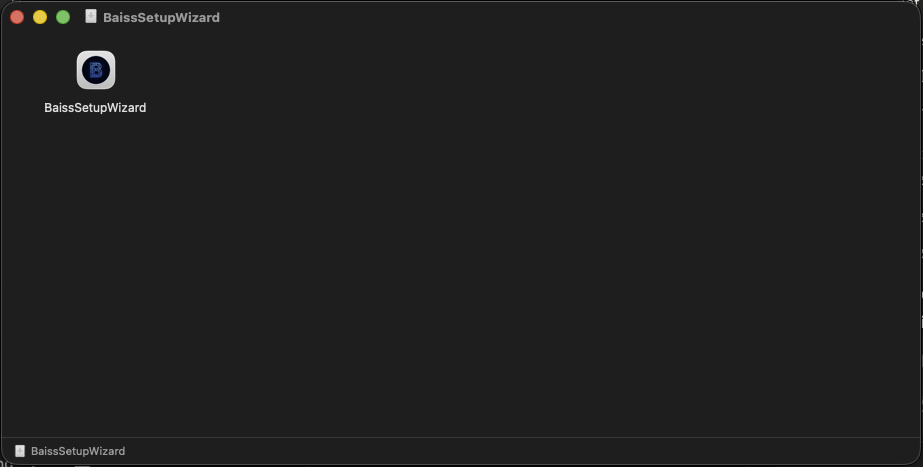
2. Run the Installer Locate the downloaded file (usually in your Downloads folder) and double-click it to begin the setup process.
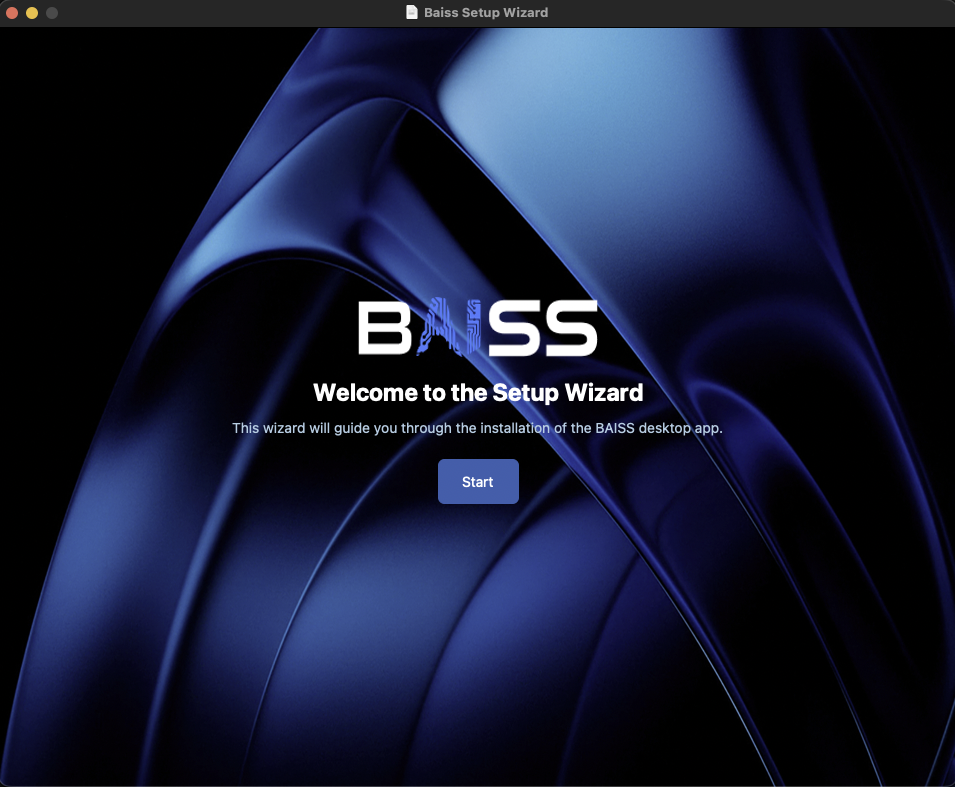
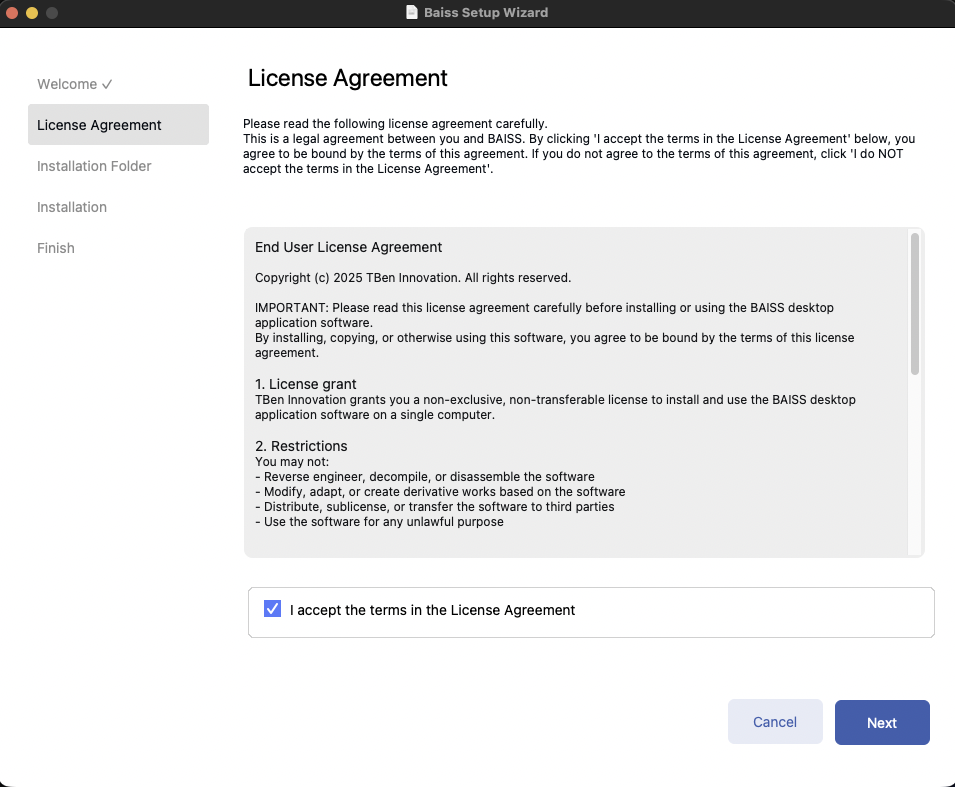
3. The Setup Wizard The setup wizard will open. Follow the on-screen prompts to proceed. You will be asked to review the Terms and Conditions. Please read them, and if you agree, select the checkbox or button to Accept and continue.
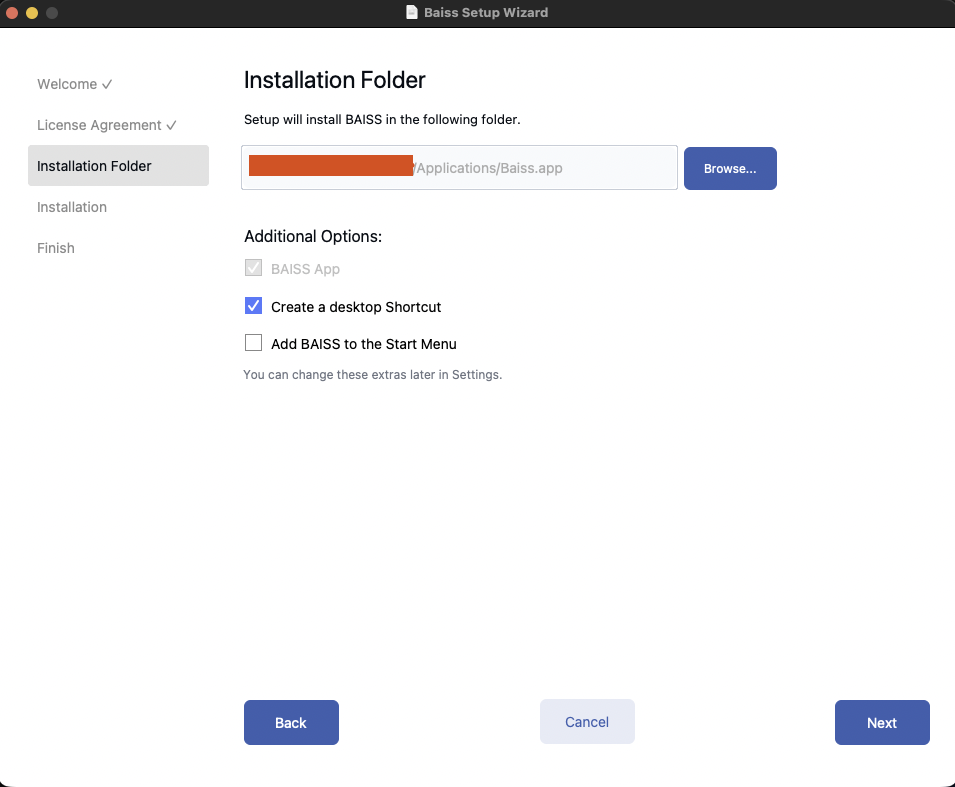
4. Choose Installation Location On the next screen, you can choose where Baiss.ai will be installed on your computer. The default path is usually recommended, but you can click Browse to select a different folder if you prefer.
5. Configure Shortcuts Select how you want to access the application. You can check the boxes to:
- Create a Desktop Shortcut: Places a Baiss icon on your desktop for quick access.
- Add to Start Menu: Makes Baiss searchable from your Windows Start menu.
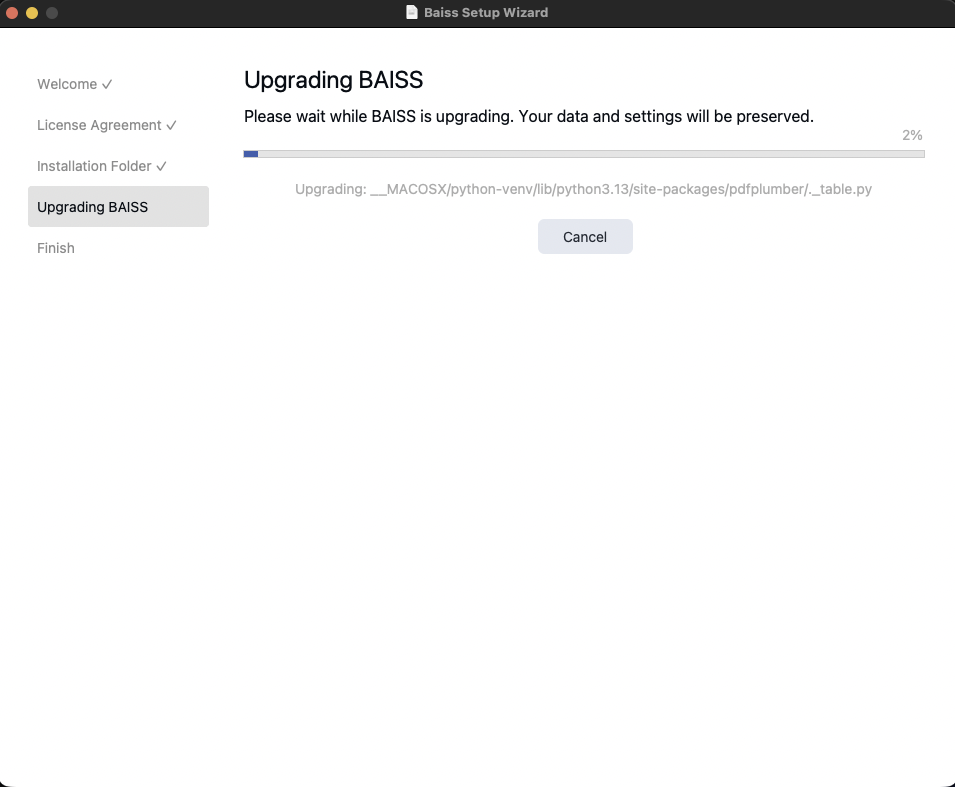
6. Install Click Next to begin the installation. The wizard will now copy the necessary files to your computer. This may take a few moments.
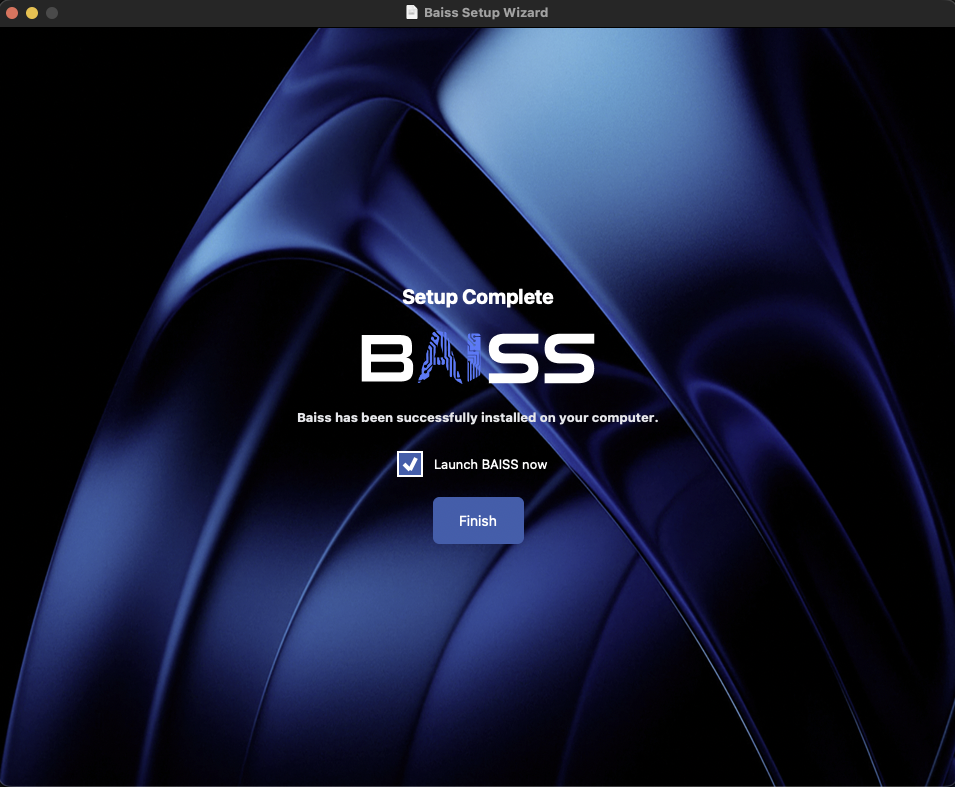
7. Launch Baiss.ai Once the installation is complete, you will see a confirmation screen. Click the Start Now button to close the wizard and automatically launch the application.